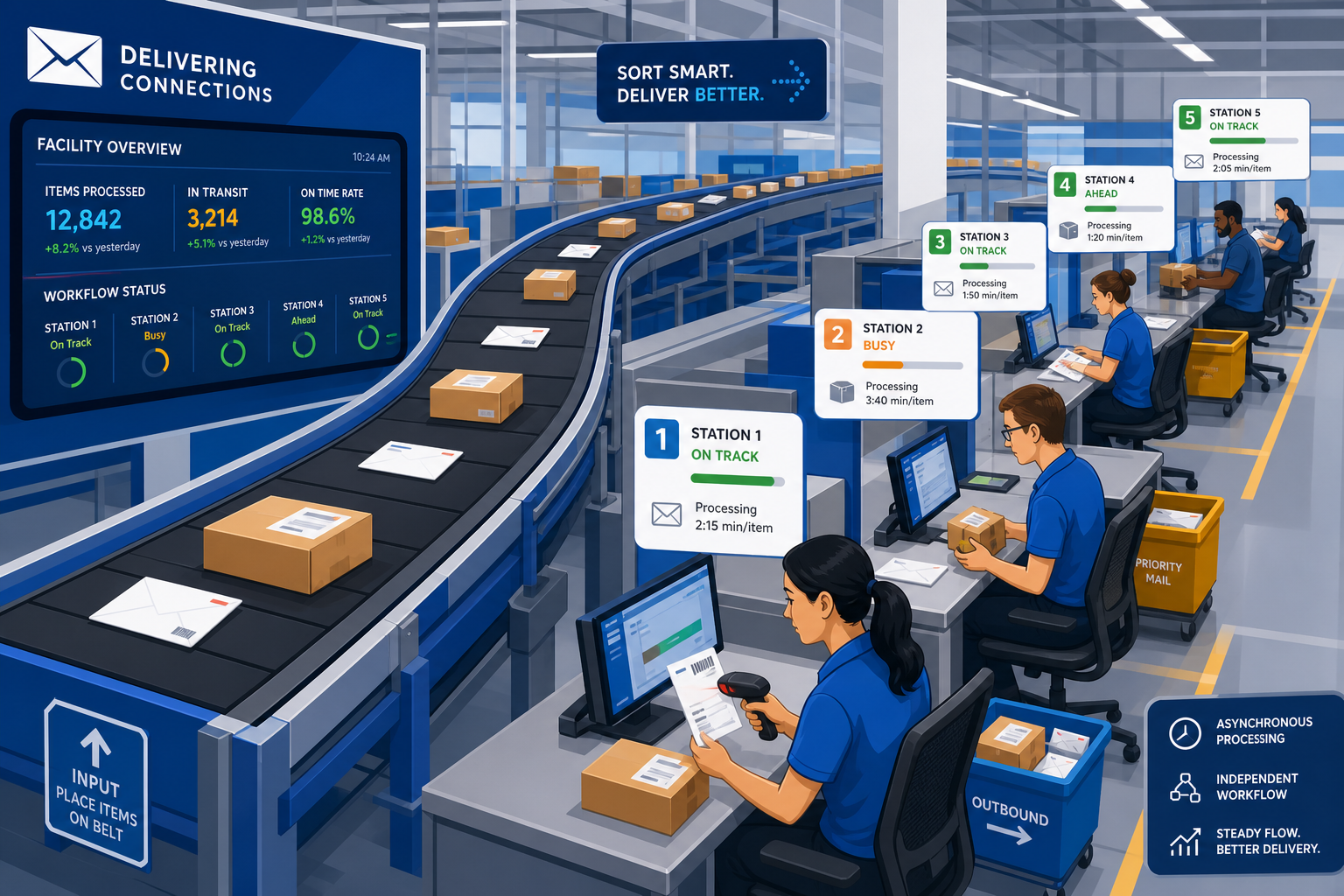
 (Image generated by AI)
The Infinite Loading Spinner
You’ve built a beautiful video sharing application. A user clicks “Upload Video”. They wait. And wait. And wait.
The spinning wheel of death goes on for 30 seconds because your backend server is simultaneously receiving the video, compressing it into 3 different resolutions, extracting thumbnails, and writing metadata to the database. If the user closes the tab before it finishes, the entire process crashes.
This is a Synchronous architecture, and it is a terrible user experience. The solution? Asynchronous Processing using a Message Queue.
Synchronous vs. Asynchronous
- Synchronous: Doing things one at a time. The user requests an action, the server performs the action completely, and then returns a response. The user is blocked from doing anything else until it’s done.
- Asynchronous: The user requests an action. The server says, “I got your request, I’ll work on it in the background,” and immediately returns a success response. The user can go do other things while the heavy lifting happens behind the scenes.
What is a Message Queue?
A Message Queue (like RabbitMQ, Apache Kafka, or Amazon SQS) is a dedicated piece of infrastructure that acts like a post office. It sits between different parts of your application.
It relies on three main concepts:
- The Producer: The application that sends data into the queue.
- The Queue (Broker): The buffer that holds the messages safely until they are ready to be processed.
- The Consumer (Worker): A background server that constantly watches the queue, takes messages off it, and performs the heavy work.
From-Scratch Example: Video Upload Architecture
Let’s redesign our video upload feature using a Queue.
1. The Producer (Your API Server) When the user clicks upload, the API server simply saves the raw video file and instantly throws a small text message onto the queue. Then, it immediately tells the user, “Upload successful! Processing…”
public class UploadController {

    private MessageQueueClient queue = new MessageQueueClient("rabbitmq://localhost");

    // This method finishes in 0.5 seconds! No more loading spinner!
    public Response handleUpload(File videoFile, String userId) {
        String videoId = saveRawFileToStorage(videoFile);

        // Construct a simple JSON message describing the task
        String message = "{ \"taskId\": \"compress_video\", \"videoId\": \"" + videoId + "\" }";

        // Toss it onto the queue and forget about it.
        queue.publish("video_processing_queue", message);

        return new Response(200, "Your video is processing in the background!");
    }
}
2. The Queue The message {"taskId": "compress_video"...} sits safely in RabbitMQ. If your worker servers crash, the message isn’t lost. It waits patiently in the queue.
3. The Consumer (Your Background Worker Server) On a completely different server, you have a process running infinitely, just looking at the queue.
public class VideoProcessingWorker {

    private MessageQueueClient queue = new MessageQueueClient("rabbitmq://localhost");

    public void startListening() {
        while (true) {
            // Grab the next message off the queue
            String message = queue.consume("video_processing_queue");

            if (message != null) {
                // Do the heavy lifting! This might take 30 seconds.
                // But the user isn't waiting!
                compressVideo(message.getVideoId());
                extractThumbnails(message.getVideoId());
                notifyUserItIsDone(message.getUserId());
            }
        }
    }
}
Why This Architecture is Incredible
- Decoupling: Your fast API server doesn’t care how video compression works. It just creates messages. Your heavy processing server doesn’t handle web traffic.
- Scaling: If 10,000 users upload videos at the same time, the queue will fill up with 10,000 messages. Your API won’t crash. To process them faster, you simply turn on 50 new Consumer servers. They will all grab messages off the queue simultaneously.
- Fault Tolerance: If a Consumer server catches fire while compressing a video, it never “acknowledges” the message. The Queue puts the message back in line, and another server picks it up. No data is lost.
If a task takes longer than a few hundred milliseconds, it belongs in a Message Queue.